Linturo Studio
Mix.
Master.
Create.
A focused desktop studio for finishing songs and DJ sets — loudness, EQ, edits, and export in one place.
Read this before you open it
Linturo Studio isn’t signed with an Apple Developer certificate yet, so macOS quarantines it after download and refuses to launch it — usually with “the app is damaged and can’t be opened”. It isn’t damaged. Clear the quarantine flag and it runs normally.
- Open the downloaded
.dmgand drag Linturo Studio into Applications. - Open Terminal and run:
xattr -dr com.apple.quarantine "/Applications/Linturo Studio.app"
- Launch Linturo Studio from Applications. You only do this once.
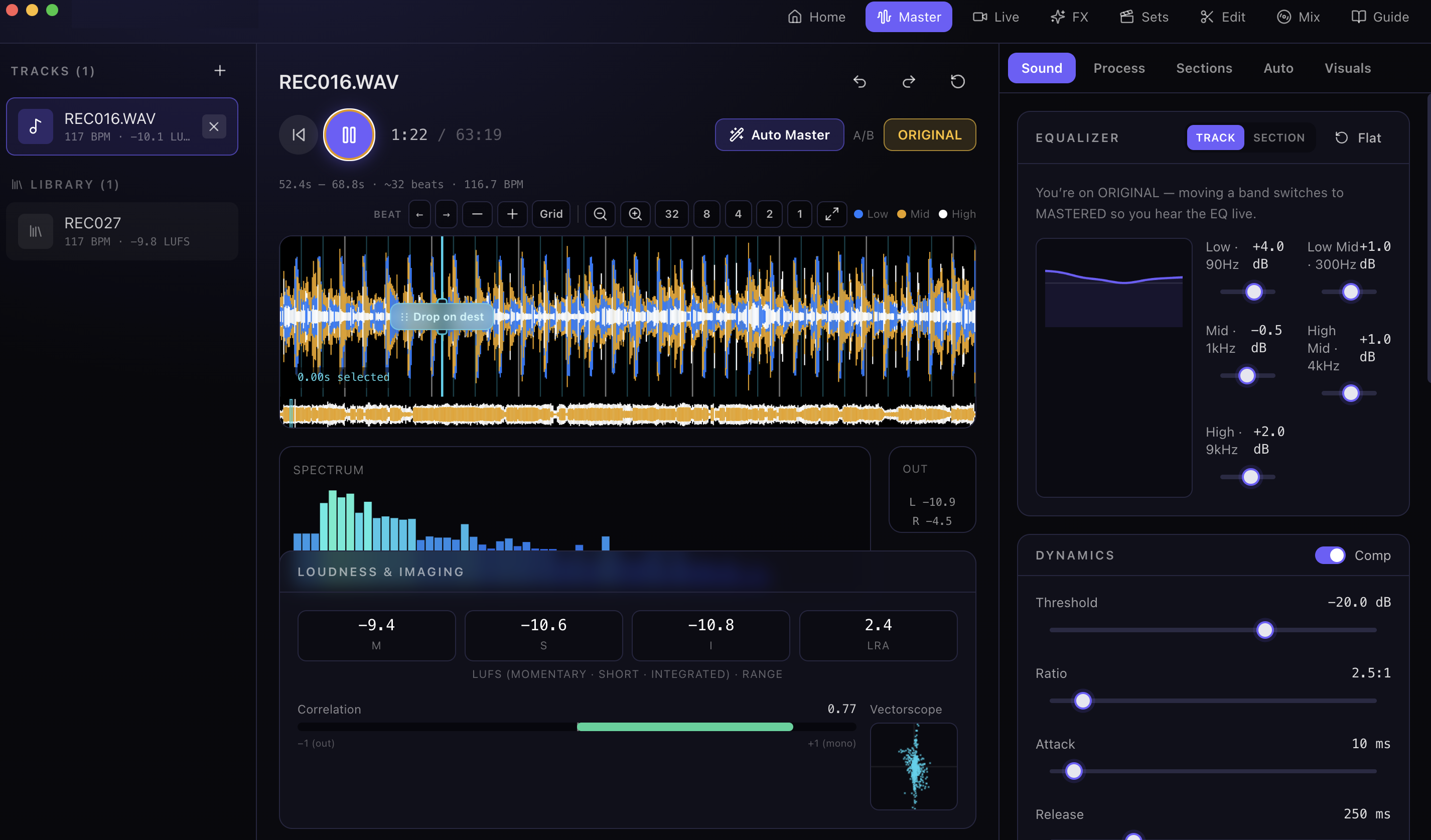
Master
Finish the track. Then the set.
Linturo Studio is a local desktop studio for songs and DJ sets. Load a track, shape it with EQ and dynamics, and hit loudness targets with real meters and a true-peak limiter. Edit on the waveform — cut, copy, clone, extend sections, and splice new pieces in on the beat. Auto-mastering and match-a-set keep a run of tracks consistent from first to last. Export WAV, MP3, or FLAC when you’re done, or bake the master into a simple looping VJ video.
Create Mix
Not a DJ? Still make a slappin’ mix.
If you’re not a DJ or producer but still want a set that actually bangs, use Create Mix. Pull songs from YouTube or SoundCloud, line them up, and render one continuous file with seamless transitions. No decks, no problem.